
Warm up a Google Workspace mailbox in minutes.
Connect Gmail or Google Workspace with one-click OAuth. MailStrike builds the sender reputation that lands your cold email in the inbox, not spam.
Step 1 of 5
Connect a mailbox
Connected in three steps.
No app passwords, no DNS copy-paste. Authorize once and warming runs on its own.
Authorize with Google
Choose Google Workspace, pick your account, and grant access on Google's own consent screen. MailStrike only ever touches its dedicated warming labels, so your real inbox stays private.
- One-click OAuth, no app password to copy
- Works with Gmail and Google Workspace
- Revoke access anytime from your Google account
Choose an account
MailStrike is requesting: send email, read folder structure
We check your authentication
MailStrike automatically reads your SPF, DKIM, DMARC, and MX records and flags anything that would hurt deliverability before a single email goes out.
- SPF, DKIM, DMARC, and MX verified
- Plain-English fixes for any gaps
Authentication check
All passingWarming starts automatically
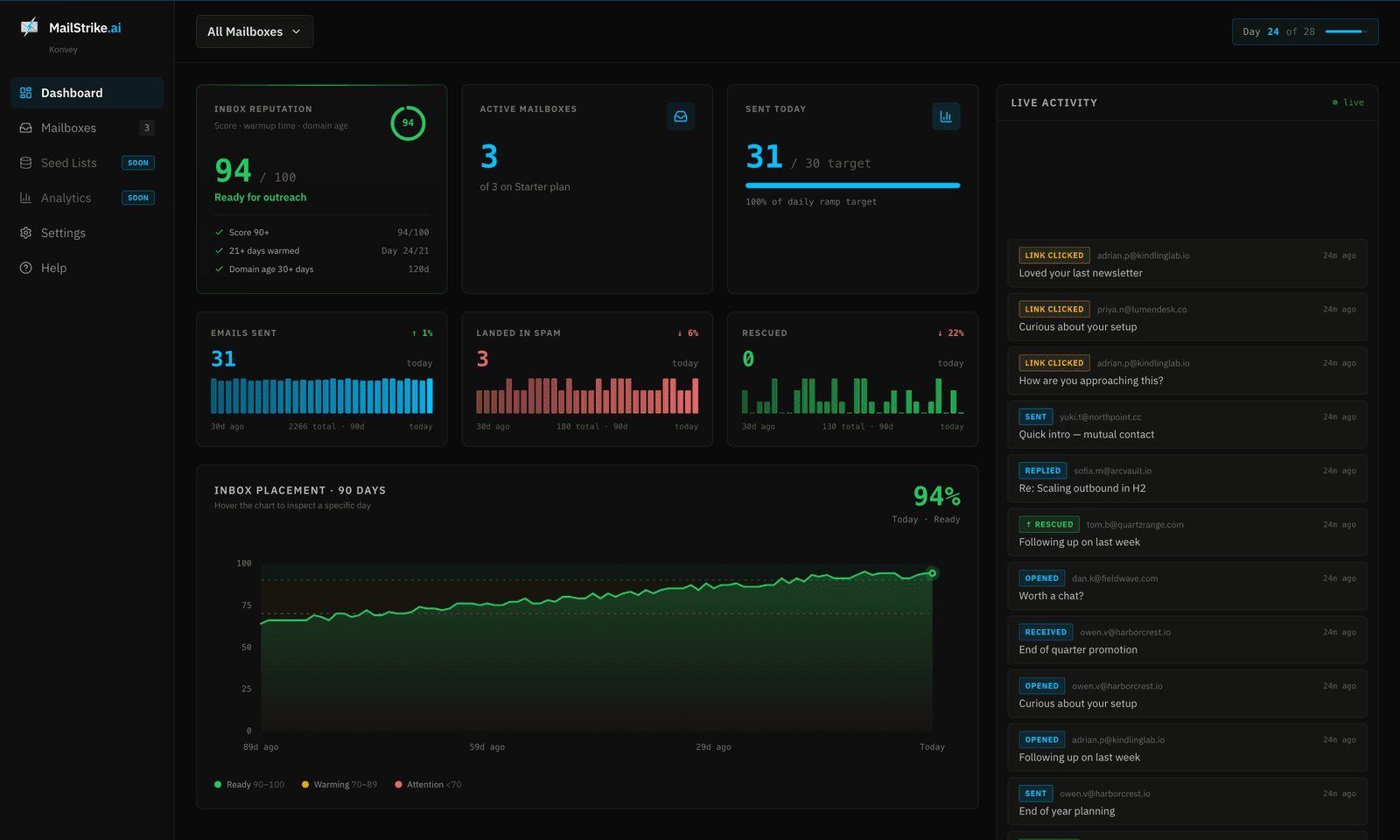
Personas begin engaging your mail like real recipients. The dashboard tracks every open, reply, and spam rescue live, and tells you the moment the domain is ready for outreach.
Hidden by default
Keep warming out of your inbox
Choose Inbox visibility when you connect, and change it anytime in Settings. On Hidden (the default), every warming email is auto-labeled and archived the instant it arrives, so your real inbox stays exactly as it was.
Inbox visibility
Hidden moves warming mail to a label/folder so it doesn't clutter your real inbox.
Hidden
Recommended, clean inbox
Visible
Show warming mail in your inbox
Every thread the personas exchange is written fresh and grounded in your business, never templated. See how warming works.
Land your Google Workspace email in the inbox.
Connect a mailbox and be outreach-ready in three weeks.
Book a Call →